Sprint AI

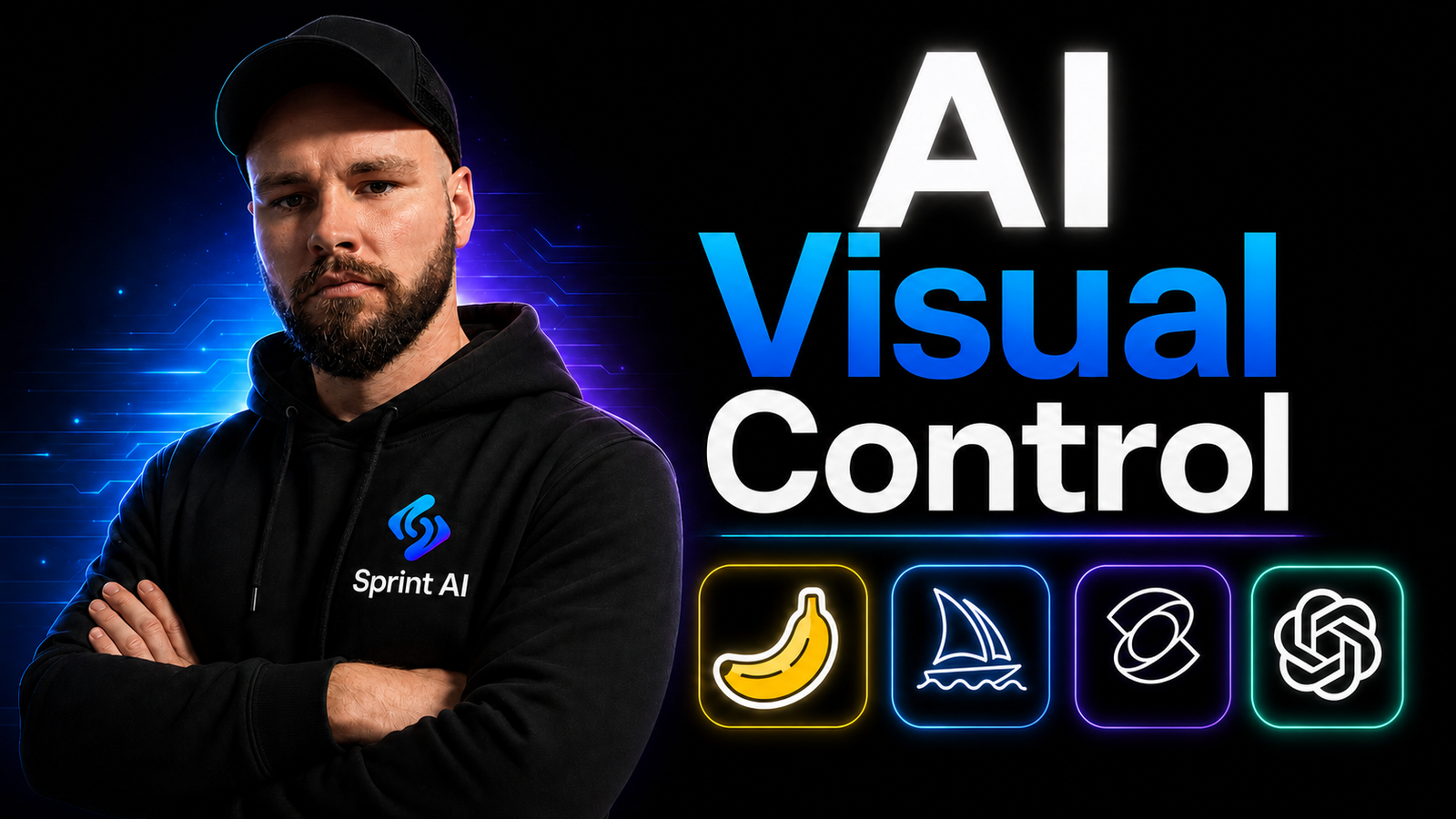
AI Visual Control

Uncategorized
Share

About Course

Sprint AI is built for beginners, creators and business owners who want to stop guessing and start controlling AI properly.


Inside, you’ll learn how to create high-quality AI images, videos, ads, characters, prompts, and workflows with more precision, consistency, and speed.


What’s inside:


✅ AI image and video creation
✅ Prompting systems that actually work
✅ Character consistency across scenes
✅ Realistic movement and cinematic outputs
✅ AI ads, UGC-style content, and brand visuals
✅ Step-by-step tool breakdowns
✅ Workflows you can reuse for your own business
✅ Beginner-friendly lessons with no tech background needed
✅ Ongoing updates as new AI tools improve


We teach you how to move past basic prompts and start building studio-grade assets with control, structure, and confidence.


Sign up today for $15/month (40% 0ff).
 
Offer ends 31/8/26.
 
See what’s included in AI Visual Control below.
Show More

Course Content

Midjourney
Midjourney is an AI image generation platform that creates high-quality images from written prompts. Users type a description of what they want, and Midjourney turns that text into visual artwork, illustrations or realistic-style images. It is widely used for concept design, marketing content, creative projects and visual experimentation because it can produce detailed, artistic results quickly.

  • Overview and Introduction
    07:16
  • Midjourney Settings
    02:58
  • Prompt Structuring
    03:48
  • Image Modifying and Seeds
    04:40
  • Character Consistency
    04:15

Nano Banana Pro/2
In this module, we dive deep into Nano Banana to master the art of high-end image generation. You will learn how to craft precise prompts, manage styles, and create the high-quality base images required for professional AI video workflows.

Chat GPT Image 2
GPT Image 2 is ChatGPT’s image generation tool. It creates realistic images from prompts and can also edit uploaded images or make new variations. It is useful for UGC content, product photos, thumbnails, ads, realistic characters and starting frames for AI videos.

Kling AI
This module introduces Kling and shows you how to use its core features to create more controlled, cinematic, and high-quality AI-generated video. You will learn how to structure prompts effectively, guide motion and visual direction, and build stronger scenes with more consistent results.

Full Creative Workflows
This module breaks down the complete end-to-end workflows, showing how to move between different AI tools, techniques, and stages with clarity and purpose.

Student Ratings & Reviews

No Review Yet
No Review Yet